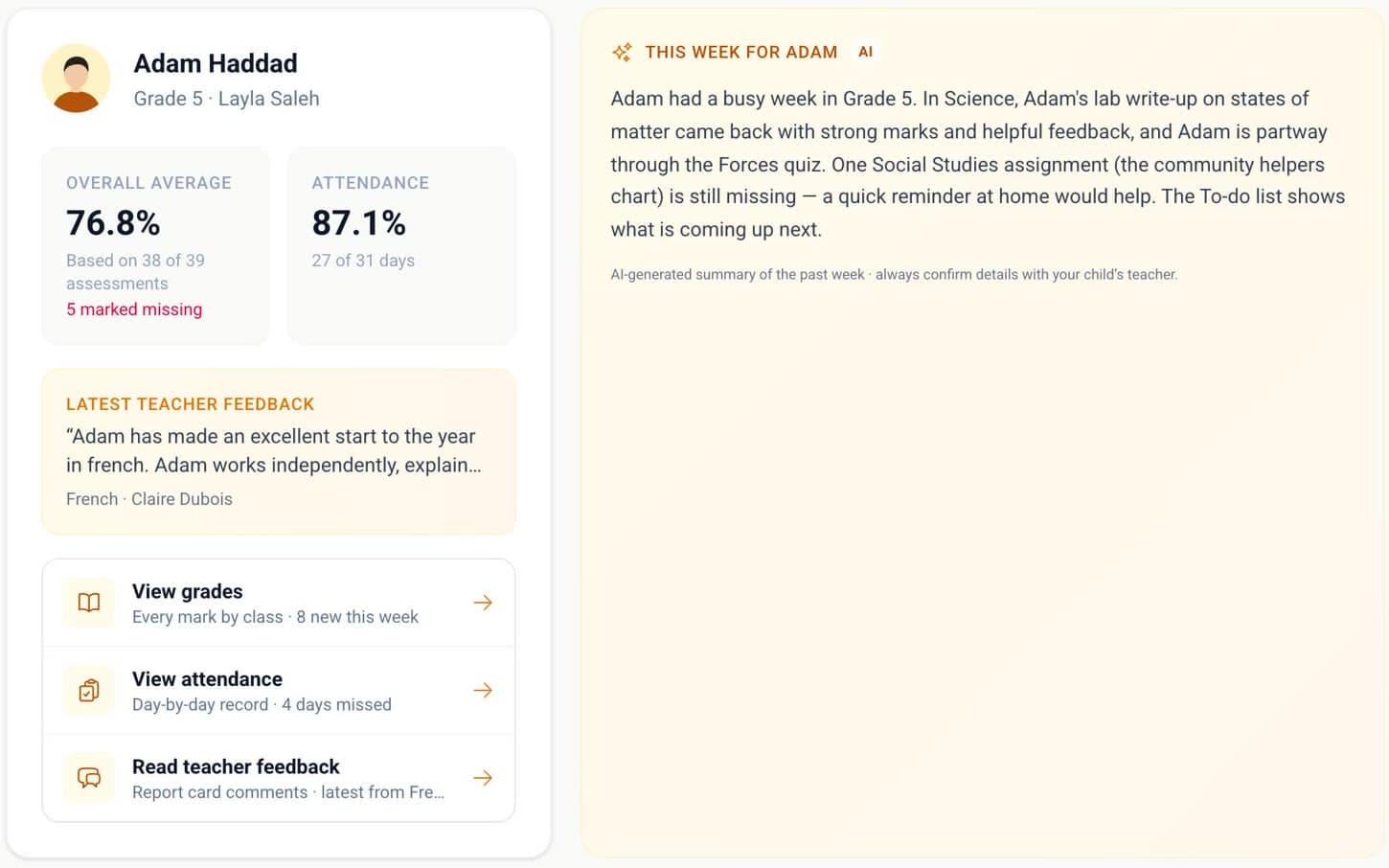
The week, in a few lines
A short summary of how your child’s week went, written by AI from published grades, attendance and teacher feedback, and labelled that way.
Grades with the teacher’s feedback, a short summary of the week, and a direct line to the teacher, from any phone.
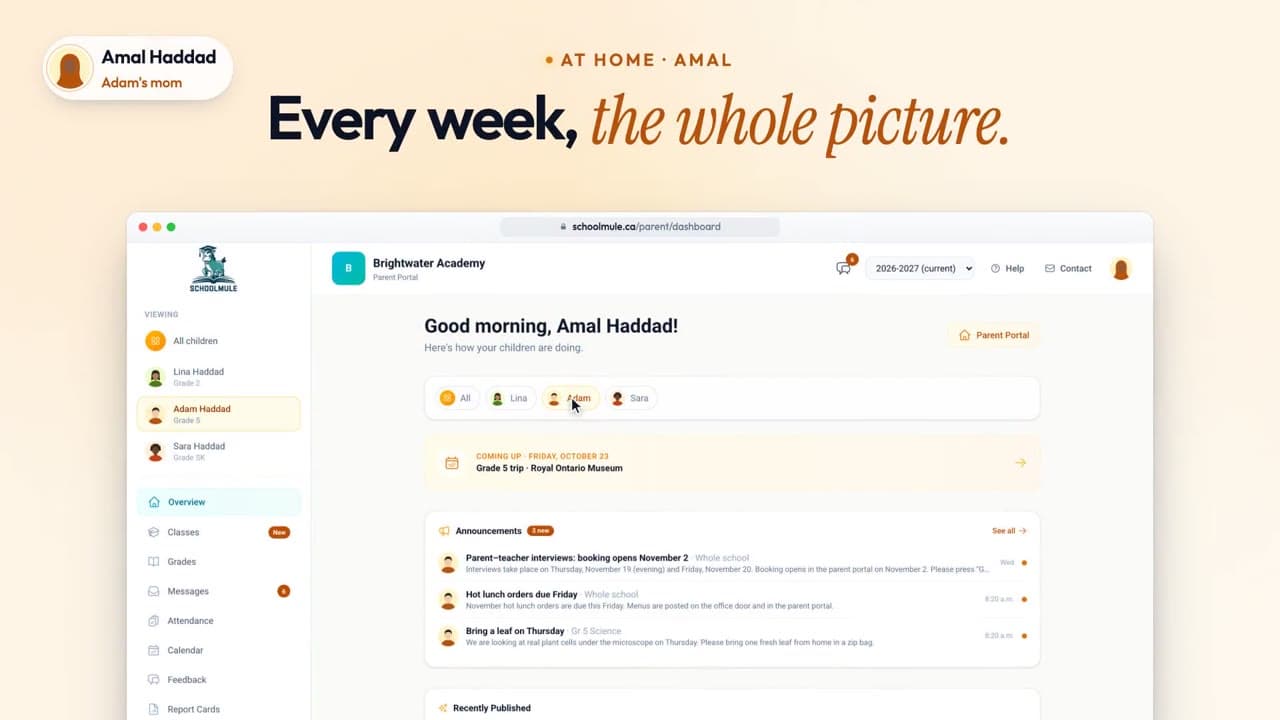
Demo school with sample data
A short summary of how your child’s week went, written by AI from published grades, attendance and teacher feedback, and labelled that way.
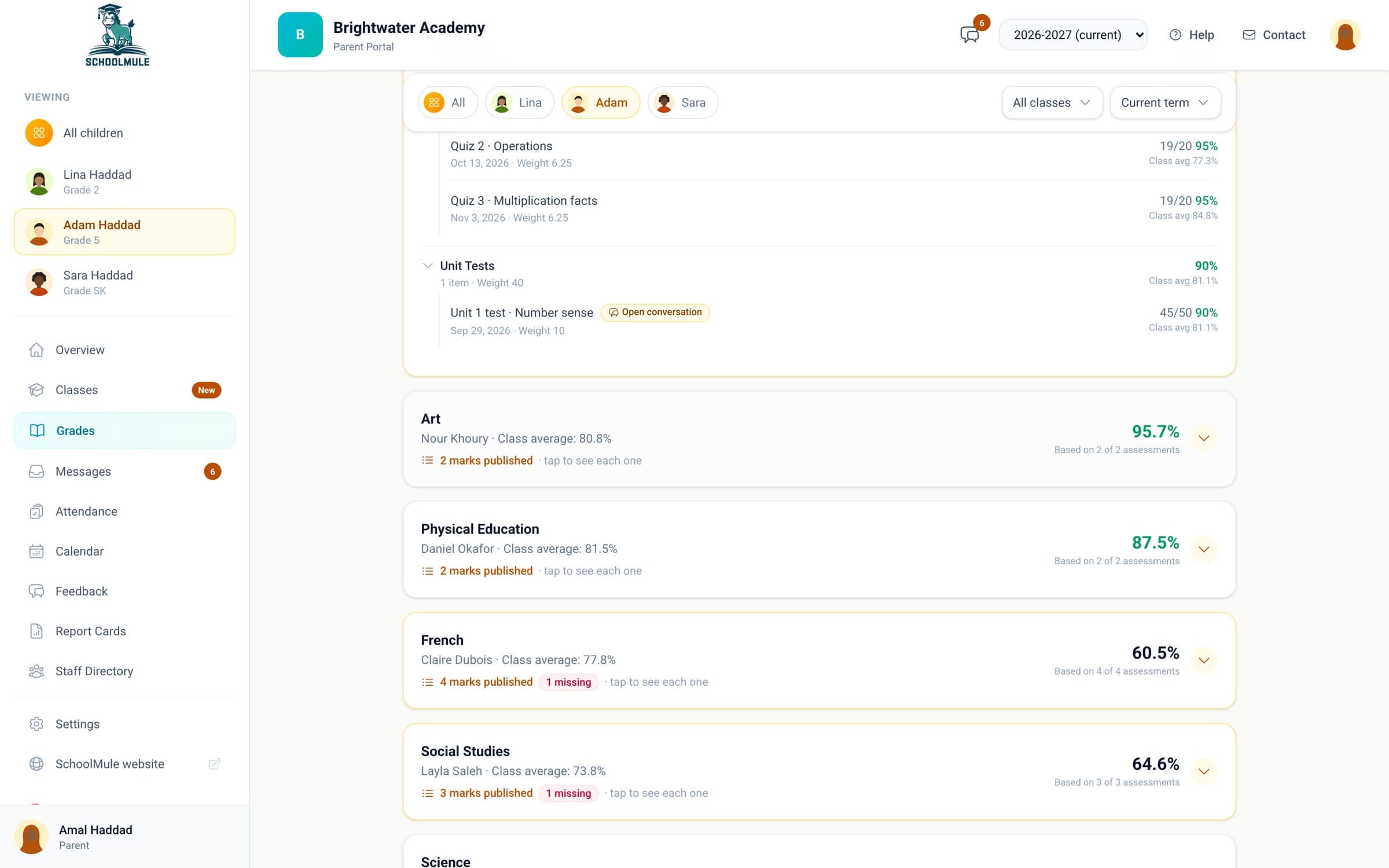
Every published mark by class, with the class average and anything marked missing.
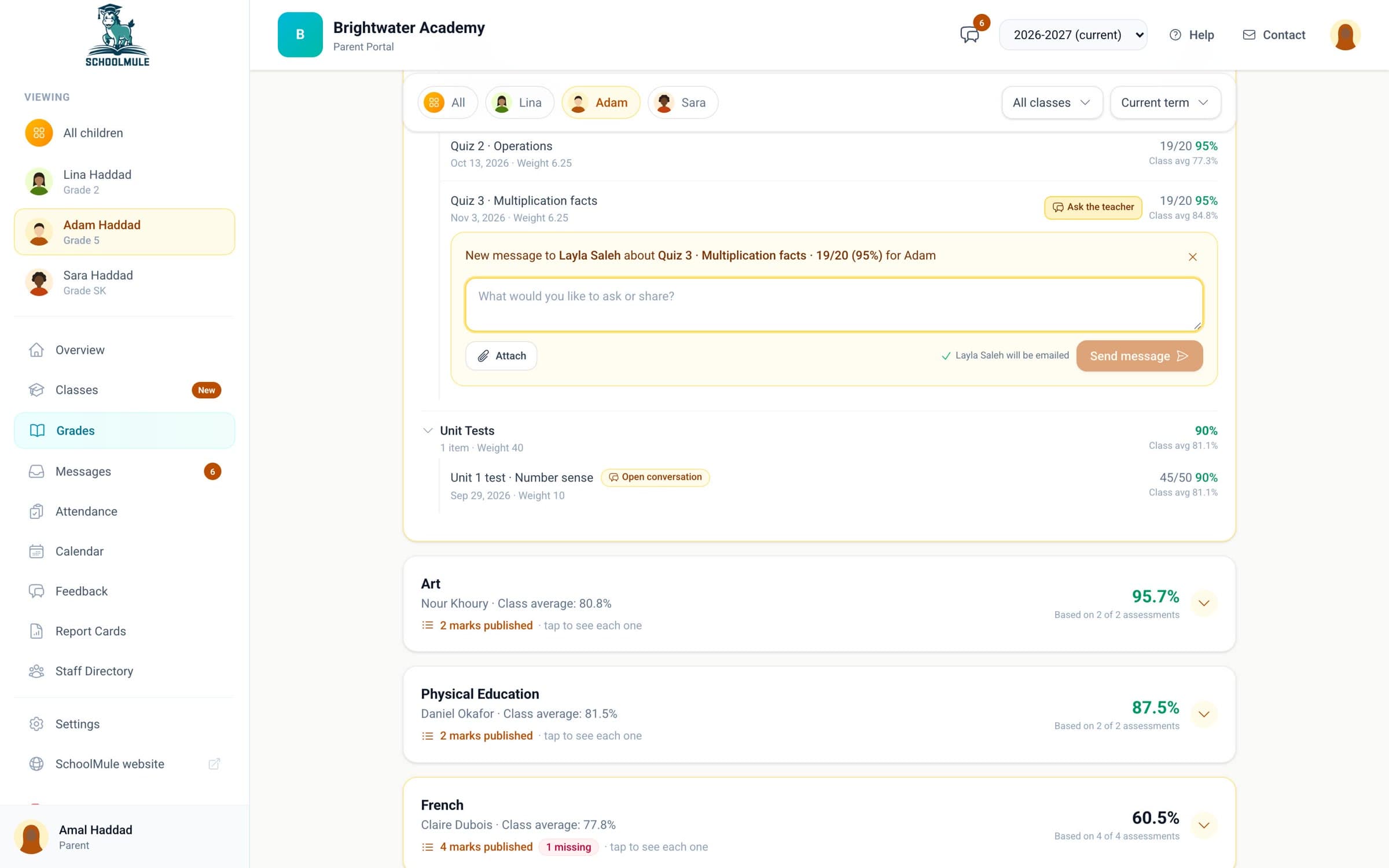
Write to the teacher from the grade itself, so your question arrives with the quiz attached.
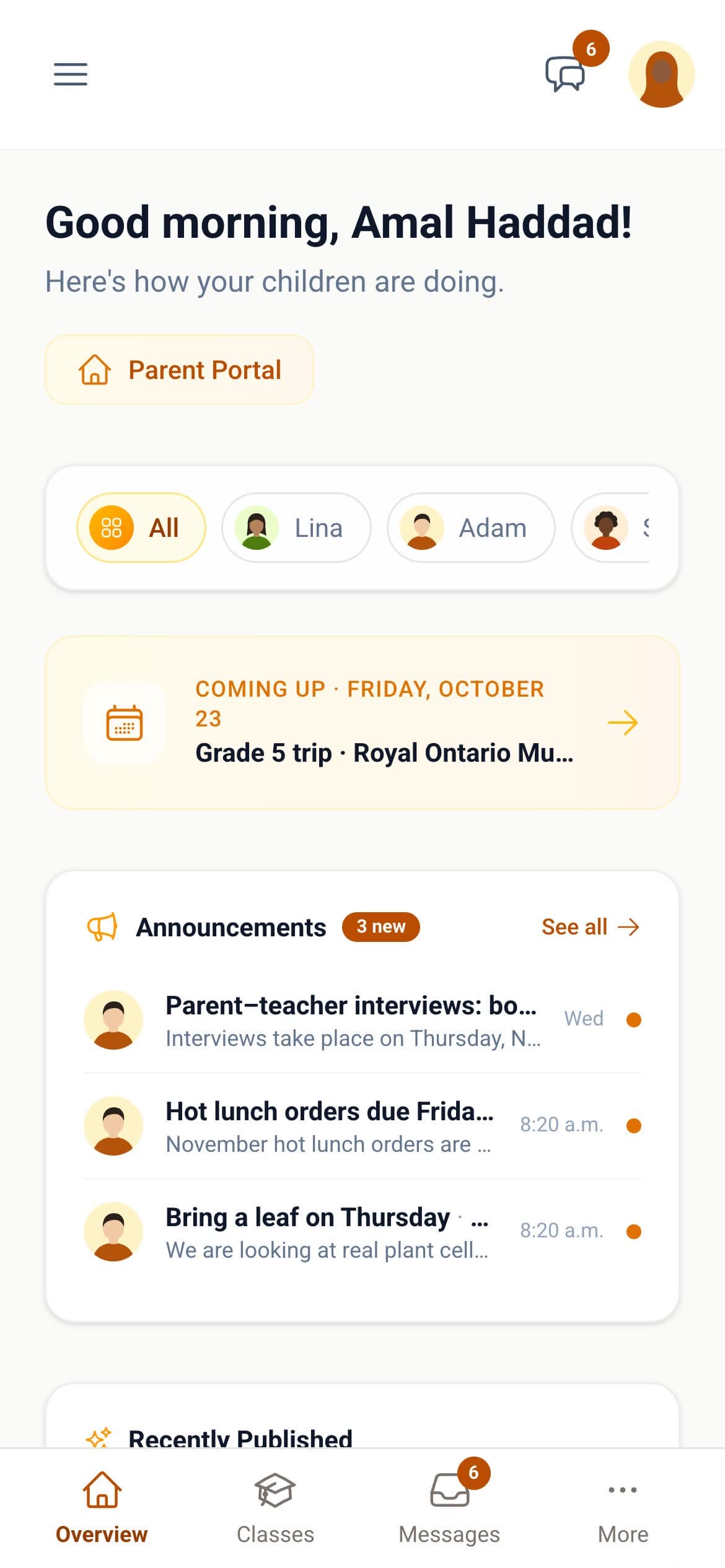
Announcements, the school calendar, attendance and report cards for each of your children. No app to install: emails sign you in with one tap.
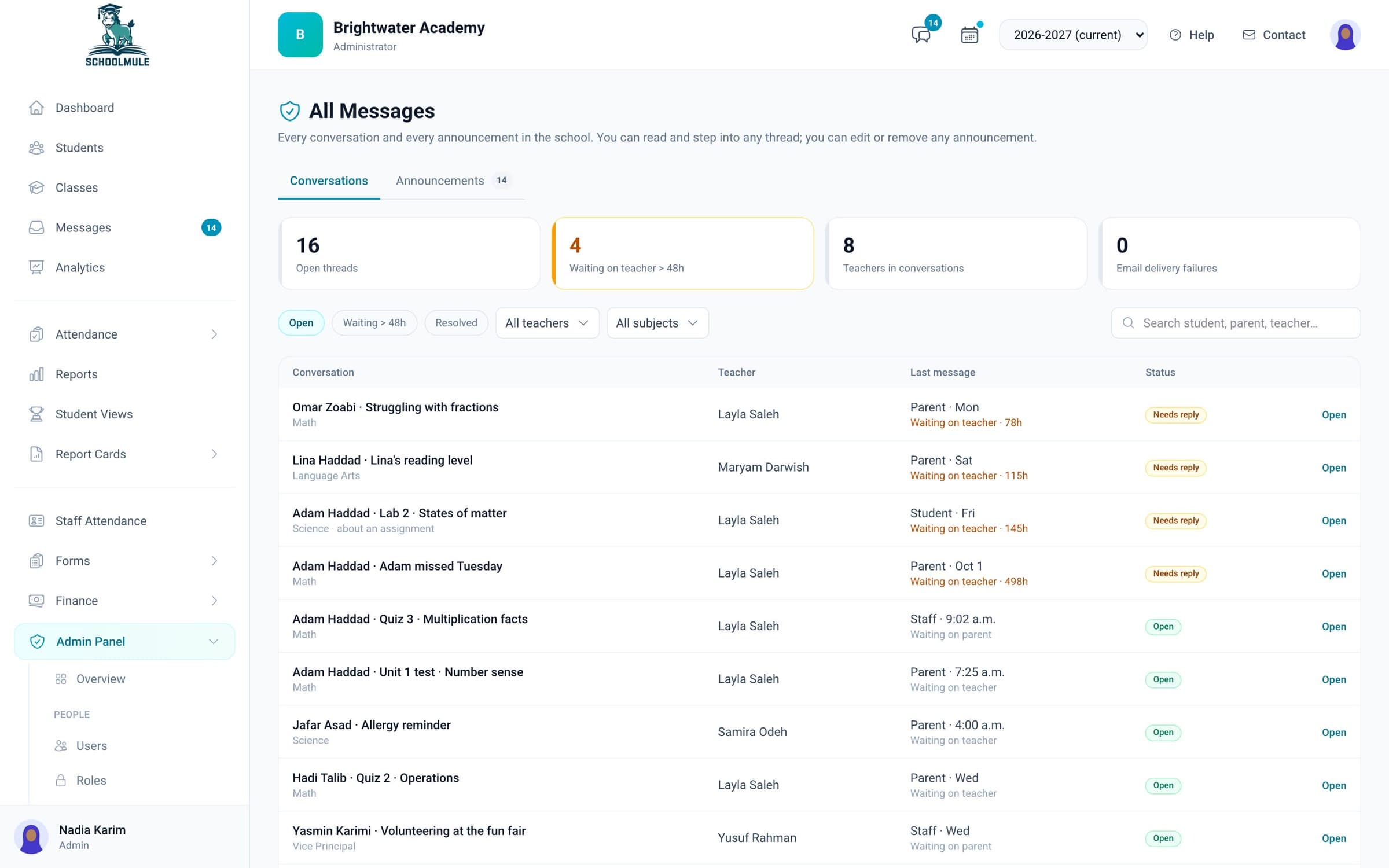
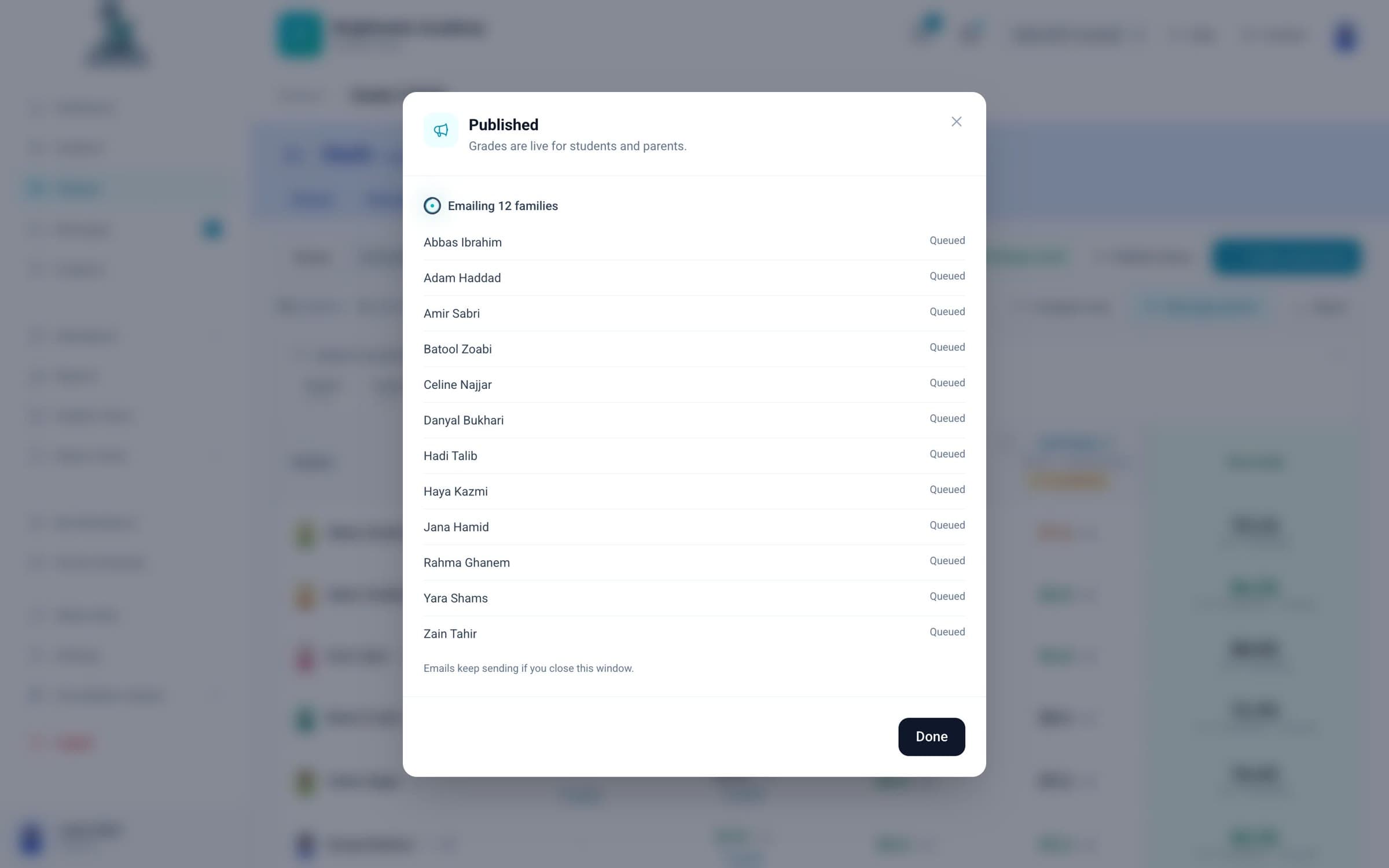
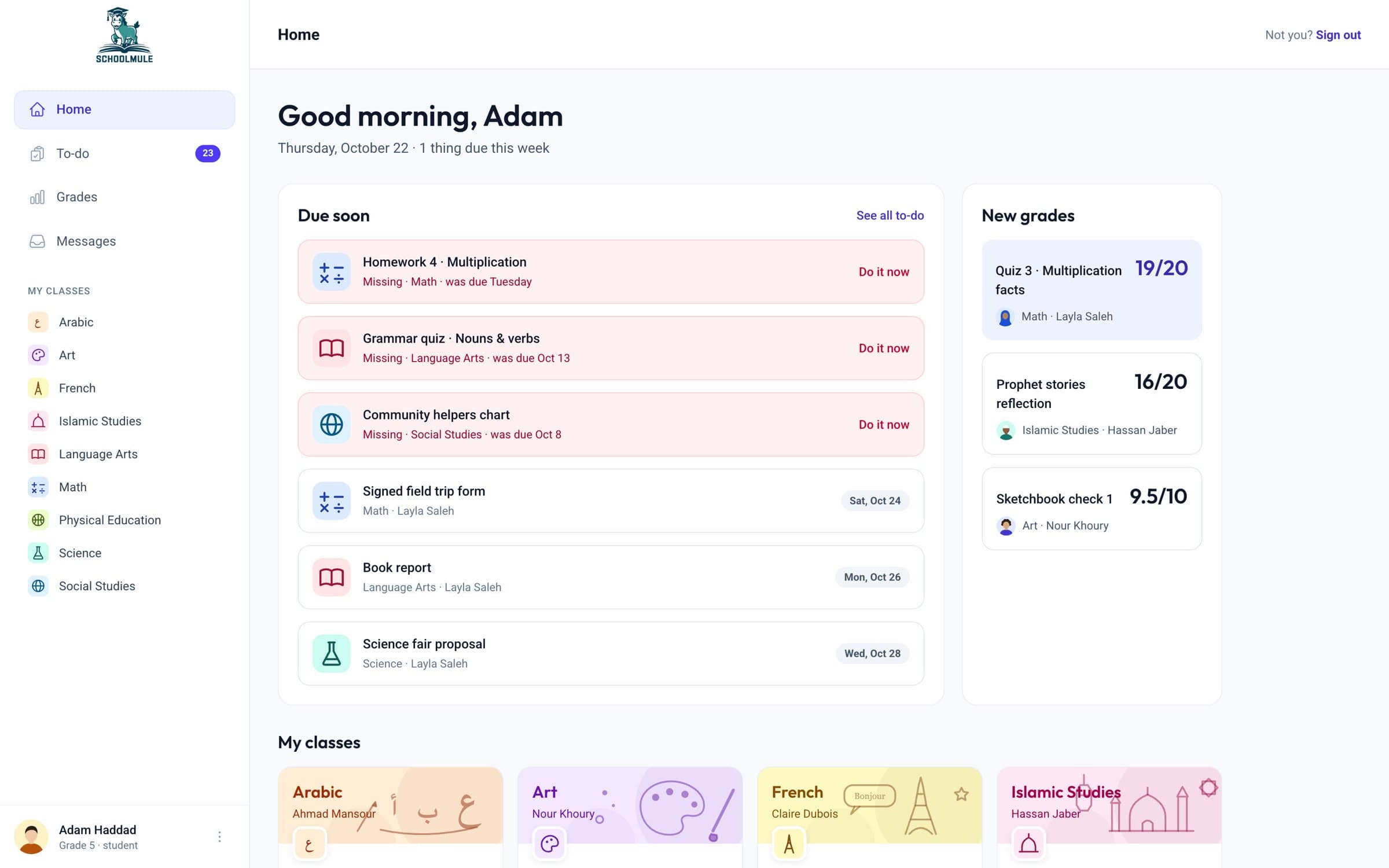
One quiz, seen by the rest of the school.
No. SchoolMule works in any browser. When something new is published you get an email, and the link in it signs you in with one tap.
Your school invites you by email, or you can ask to join on your school’s sign-up page.
Only staff at your school, and only what their role allows. You see only your own children.
It is written by AI from your child’s published grades, attendance and teacher feedback, and labelled as AI. Check anything important with the teacher.

Send this page to your principal, or book a demo together.
Book a demo