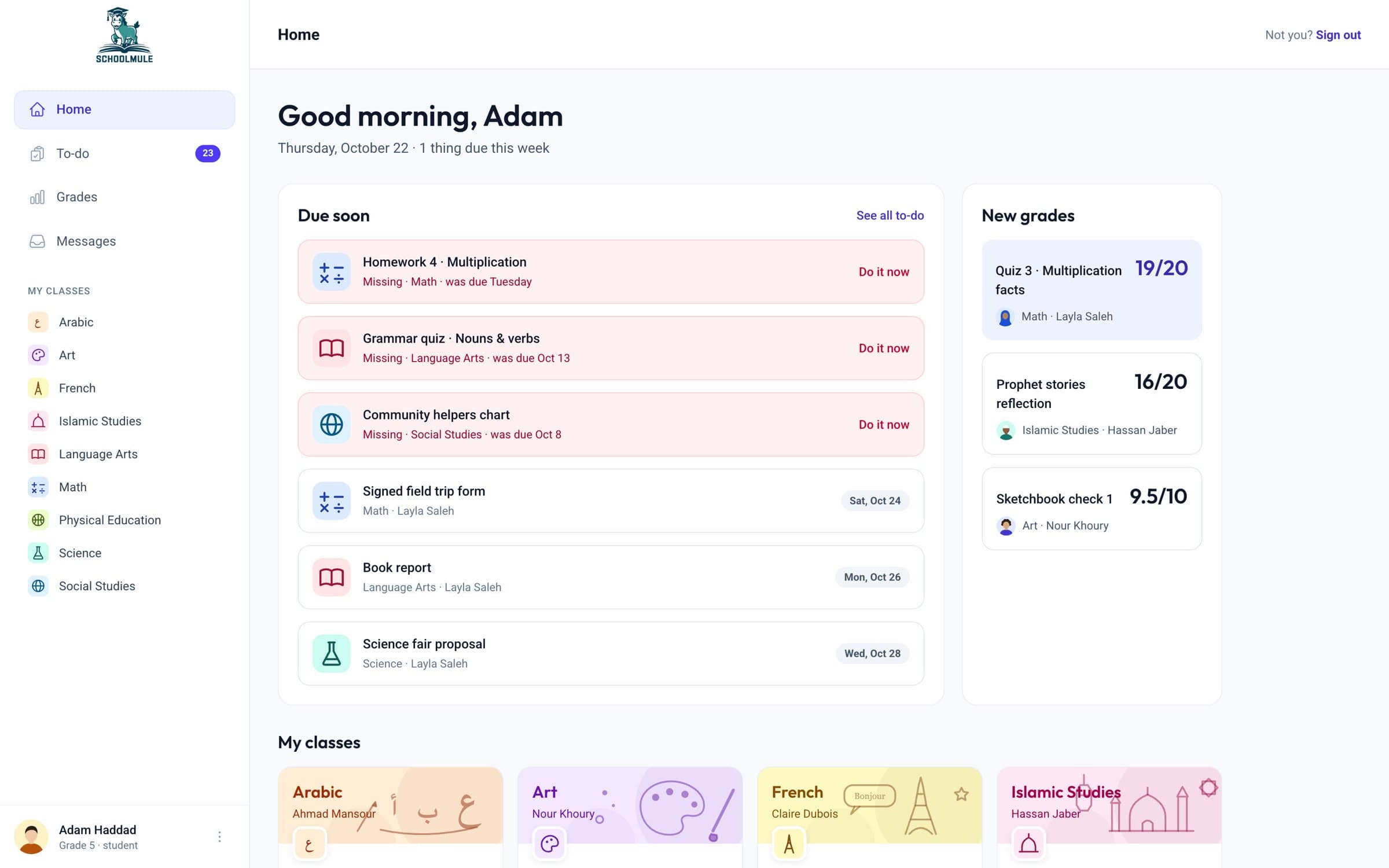
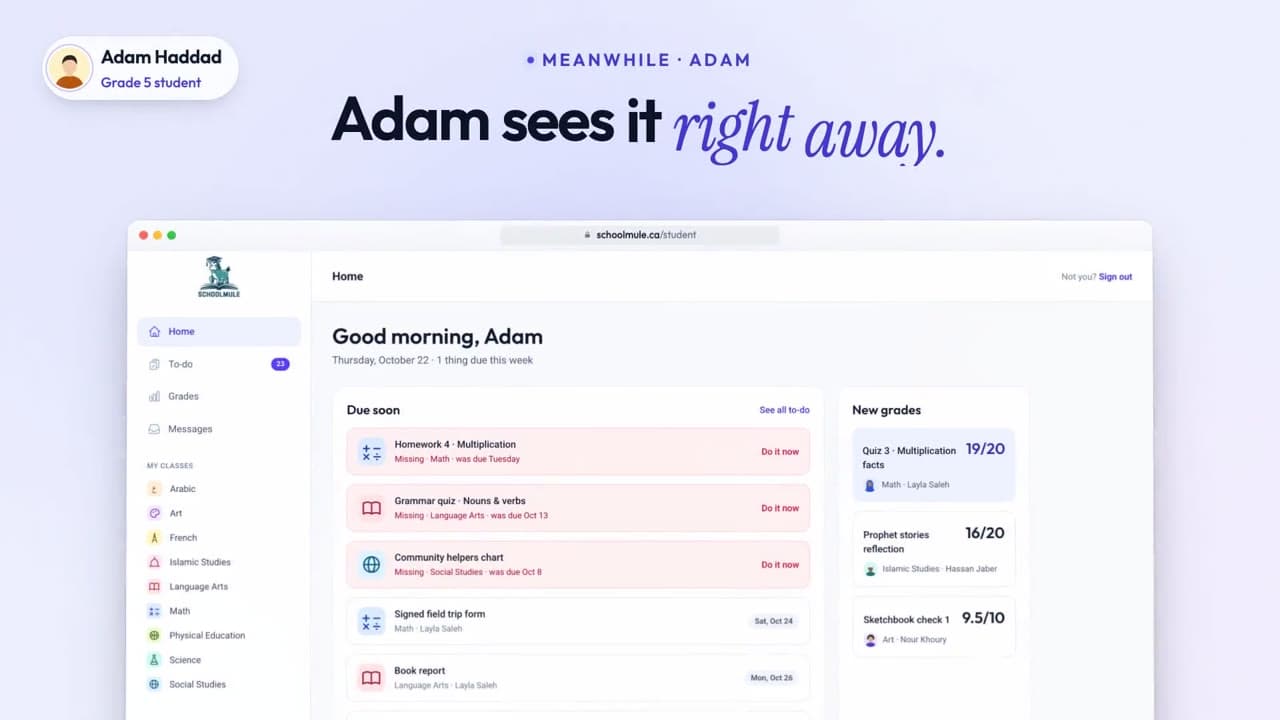
What’s due and what’s new
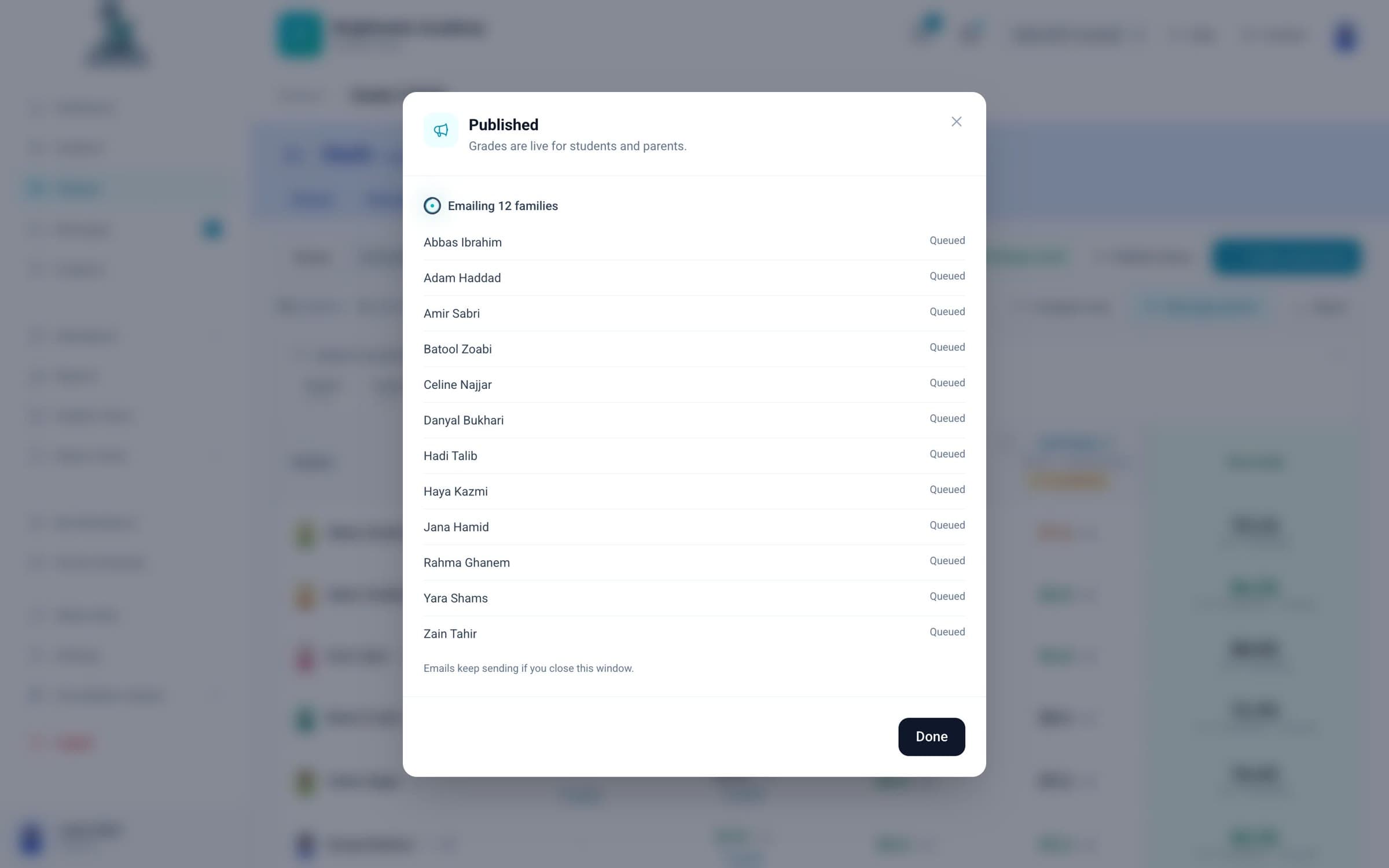
Missing work at the top, what is due this week, and new grades as soon as they are published.
schoolmule.ca/student
When a school turns on the student portal, students see their classes, turn in work, take quizzes and read their teachers’ feedback, on a computer or a phone.
Demo school with sample data
Missing work at the top, what is due this week, and new grades as soon as they are published.
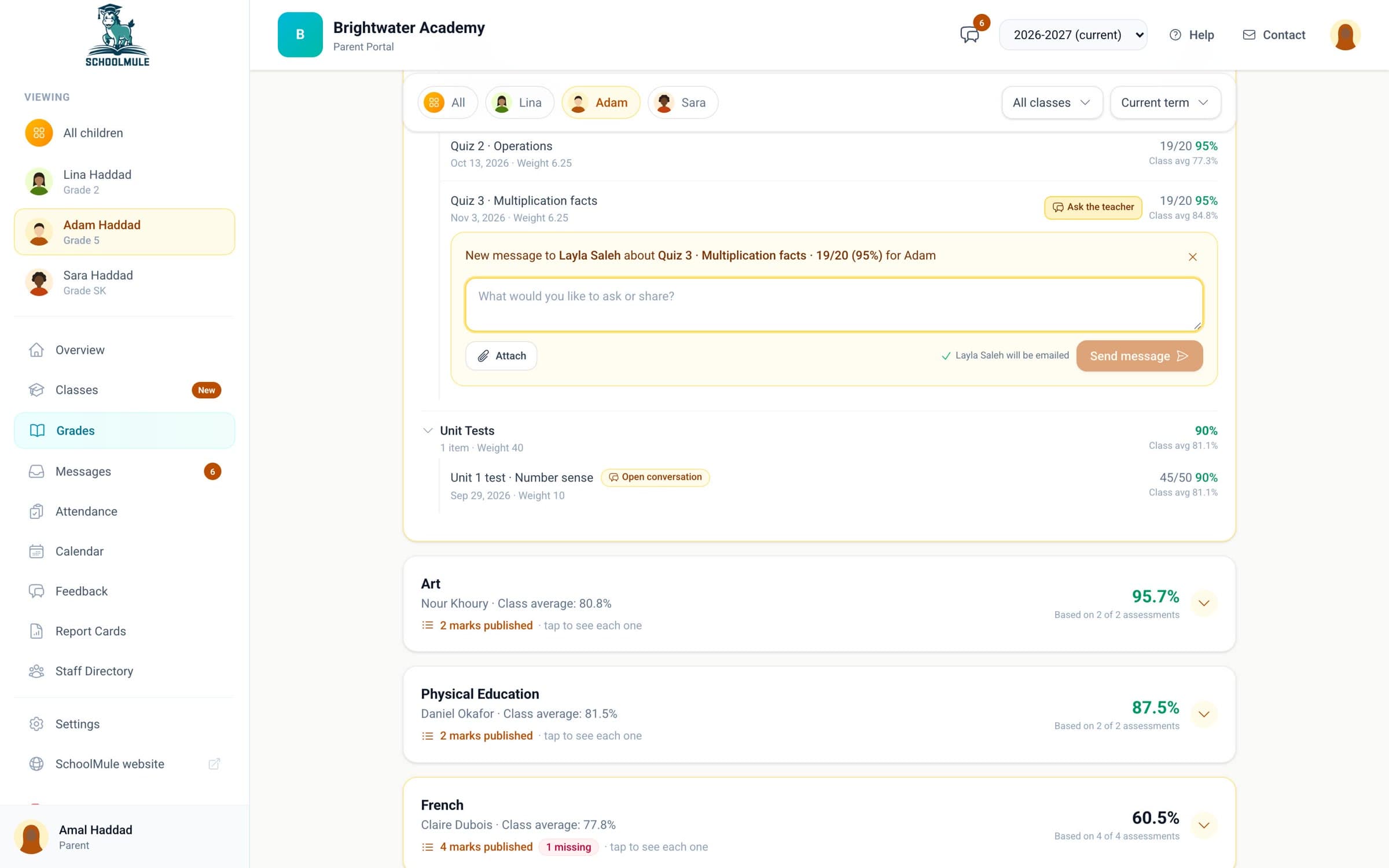
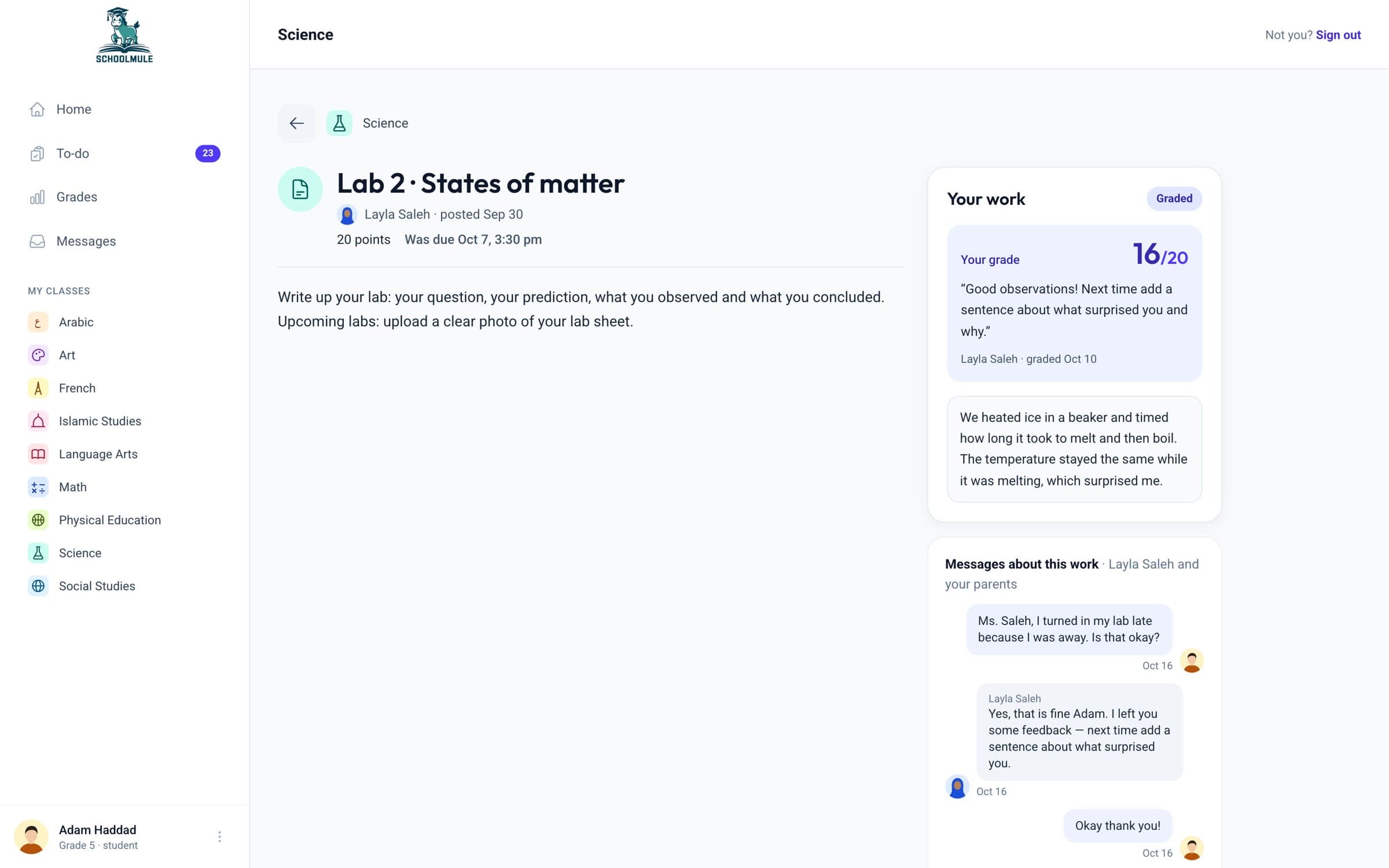
The grade, the teacher’s comment and a private conversation about the work, all in one place.
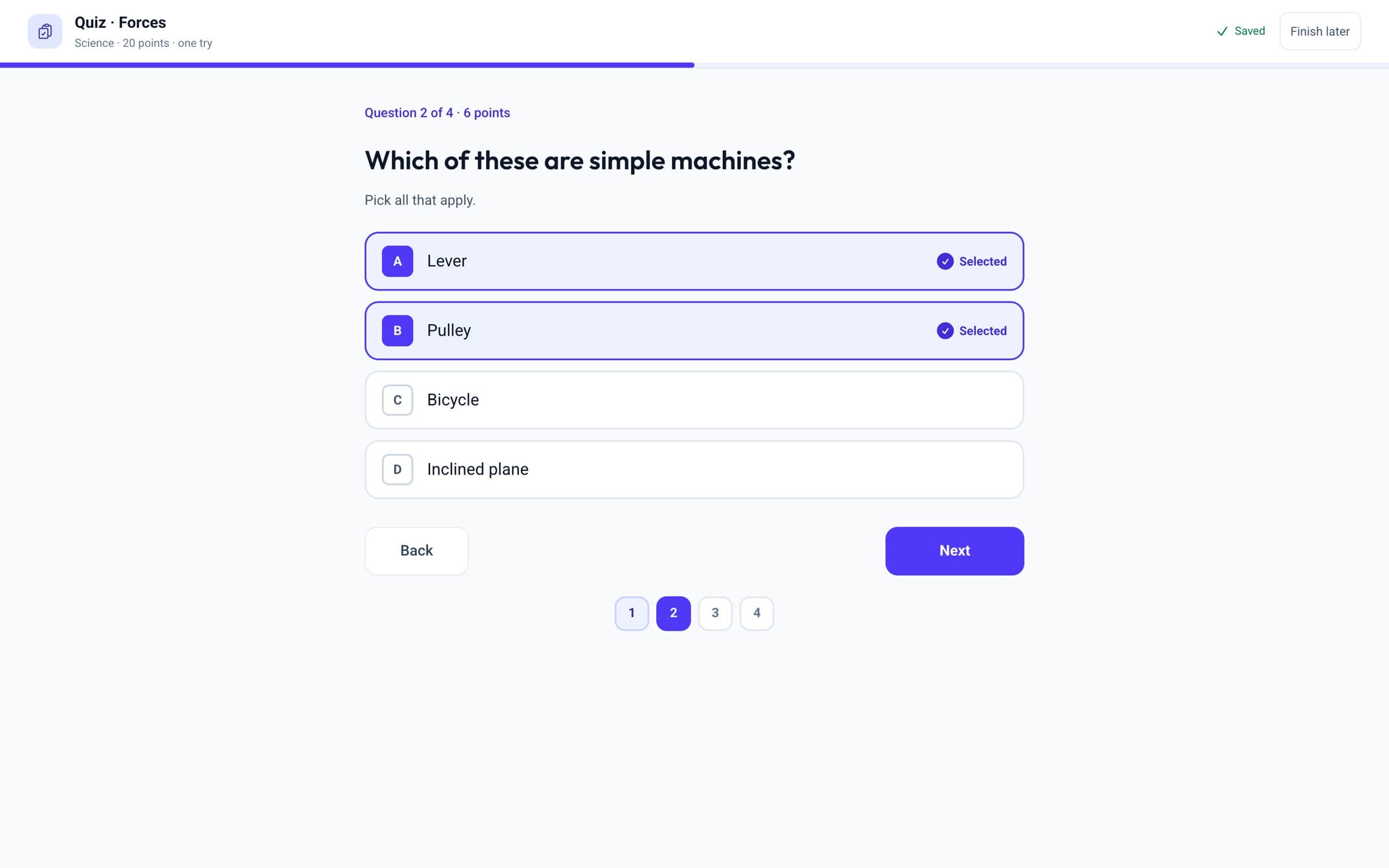
Multiple-choice questions are marked automatically, and teachers review written answers.
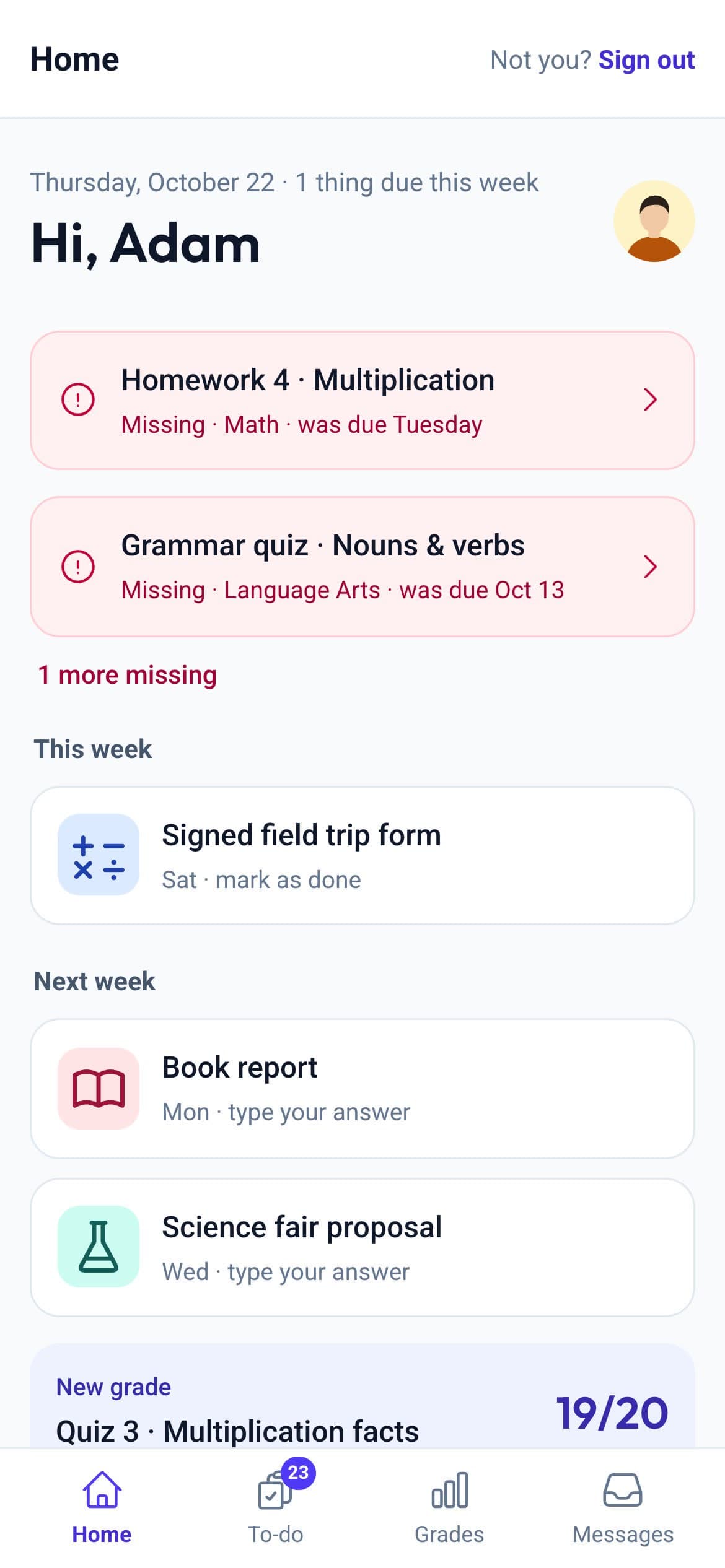
Everything works in a phone’s browser. Students sign in with Google, and young students can use a printed QR card.
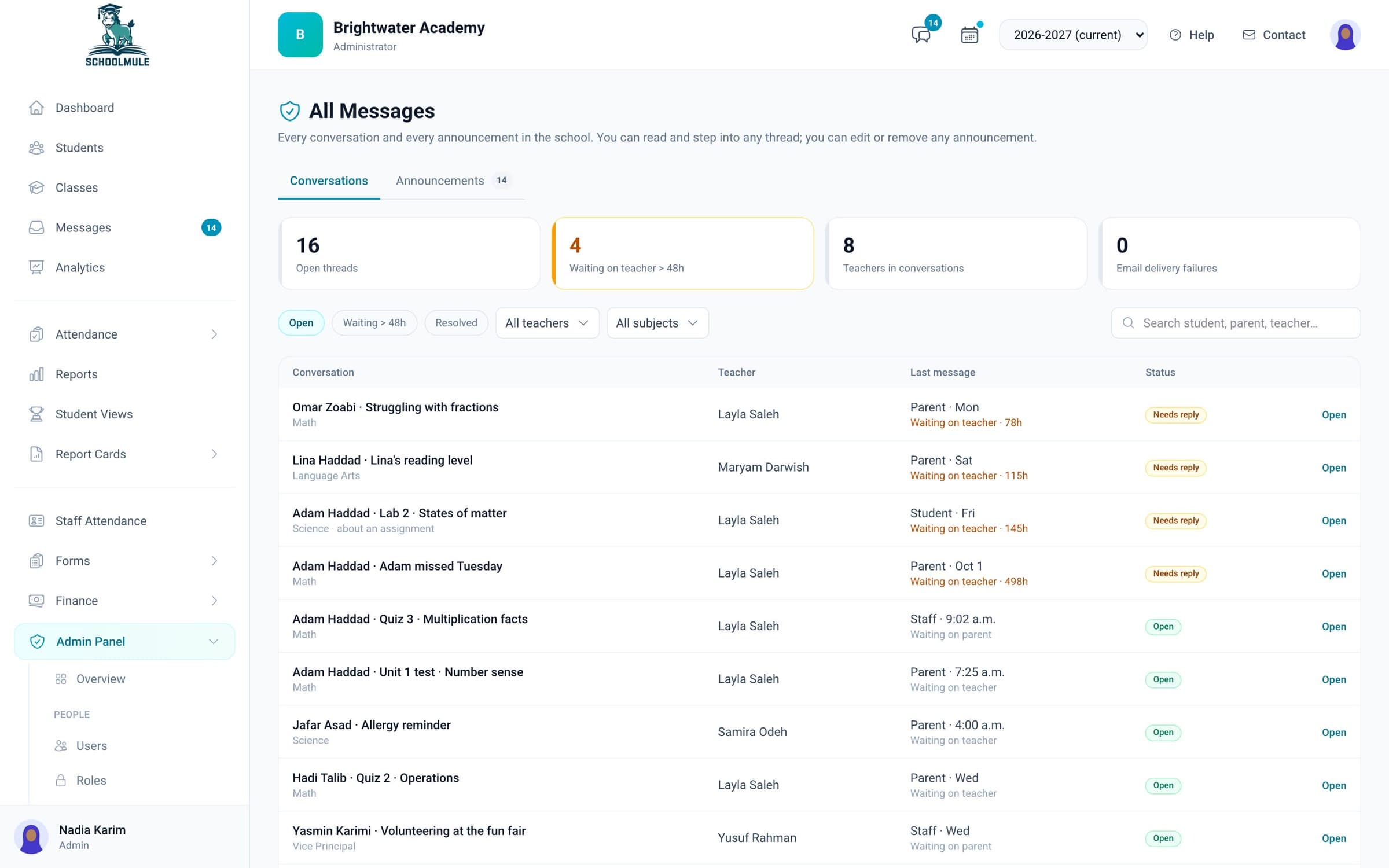
One quiz, seen by the rest of the school.
Your school decides. Younger students can sign in with a printed QR card.
Yes. Parents see the same classes, read-only.
Yes, about an assignment or in general, and teachers see it with the rest of their messages.