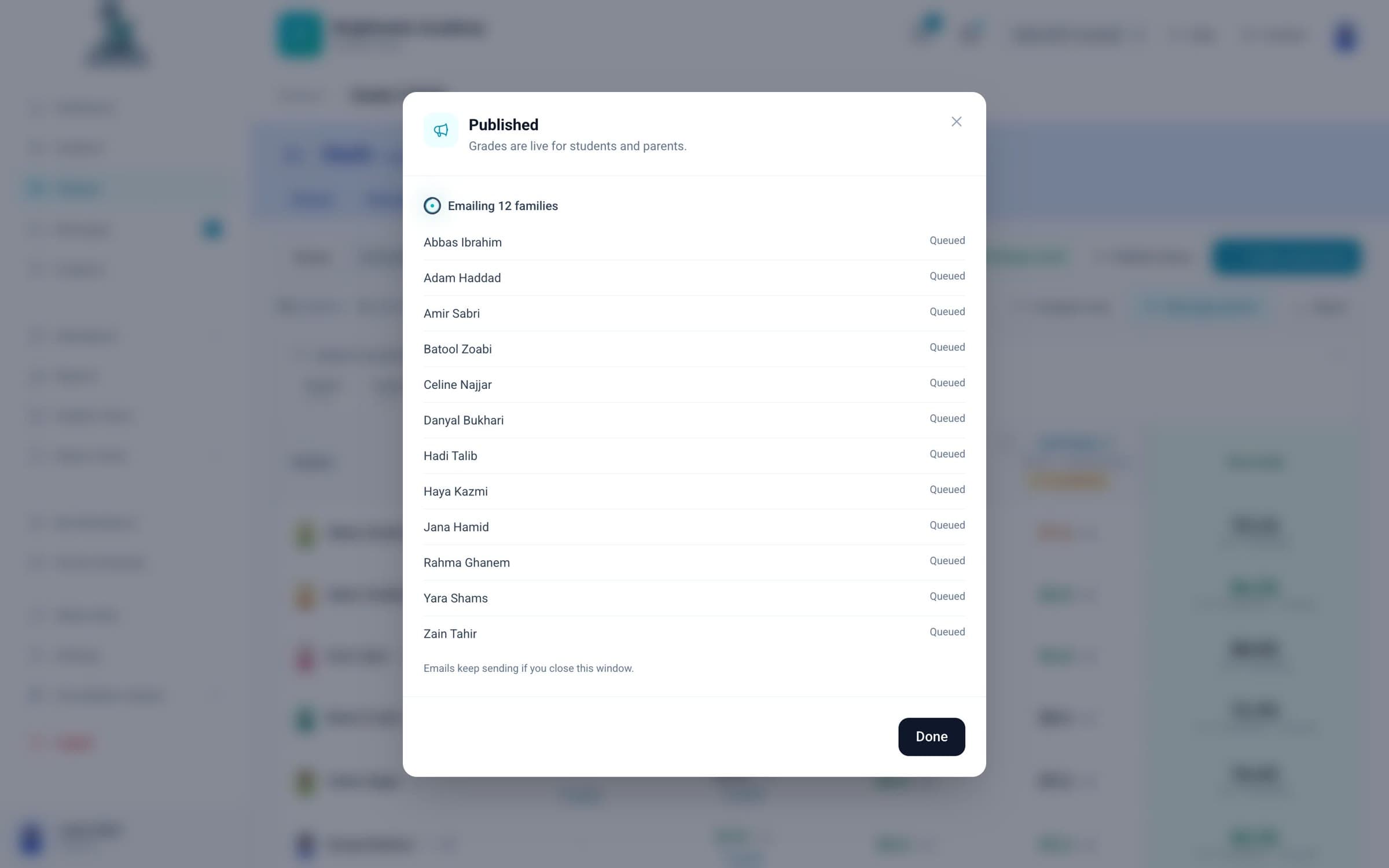
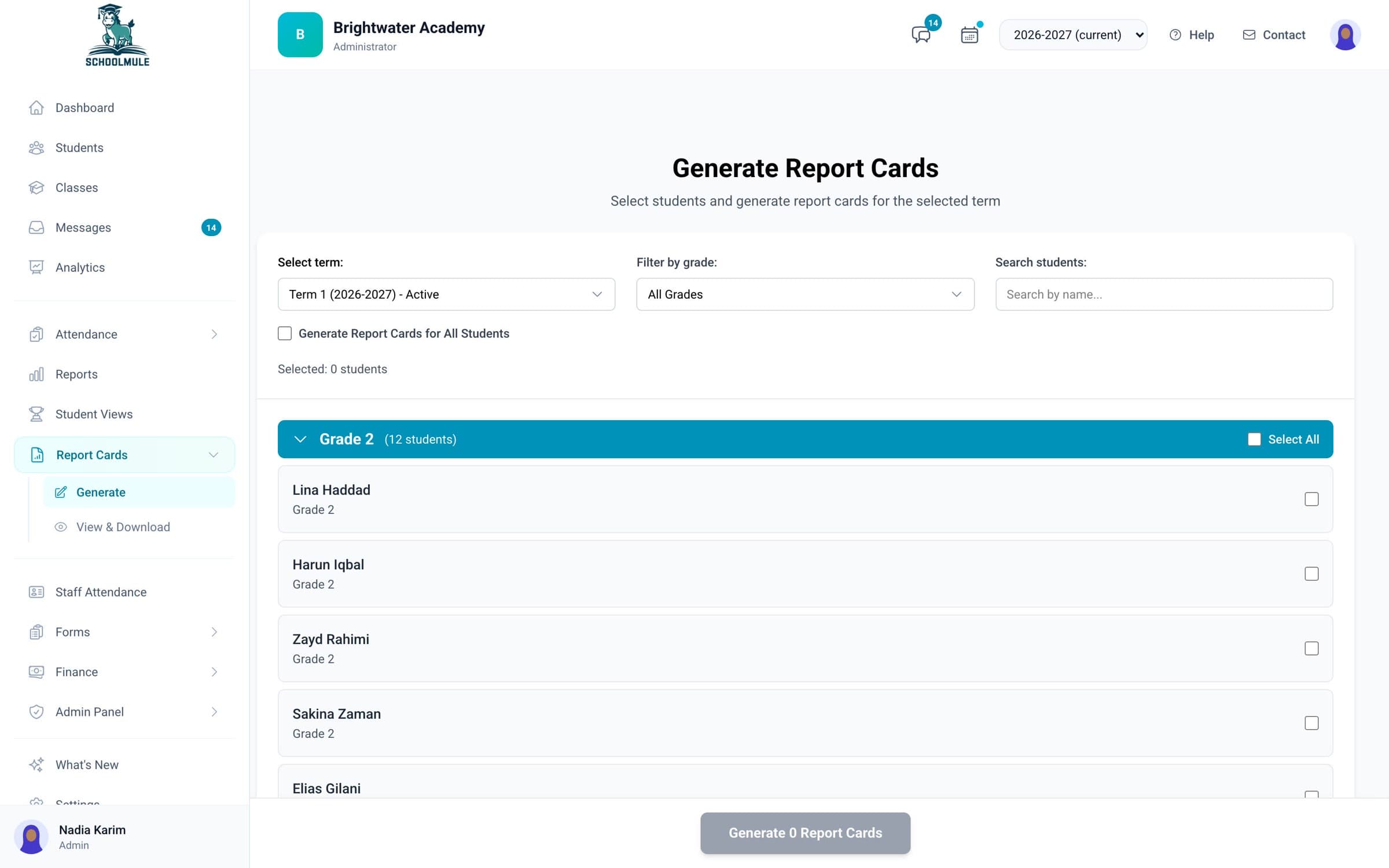
Report cards for a whole class at once
Teachers write their comments in the gradebook. You check them, make every report card in a class as a PDF with your logo, and email them to families.
schoolmule.ca/report-cards
Report cards, timetables, staff hours, approvals and every family conversation, in one place your whole office shares.
Demo school with sample data
Teachers write their comments in the gradebook. You check them, make every report card in a class as a PDF with your logo, and email them to families.
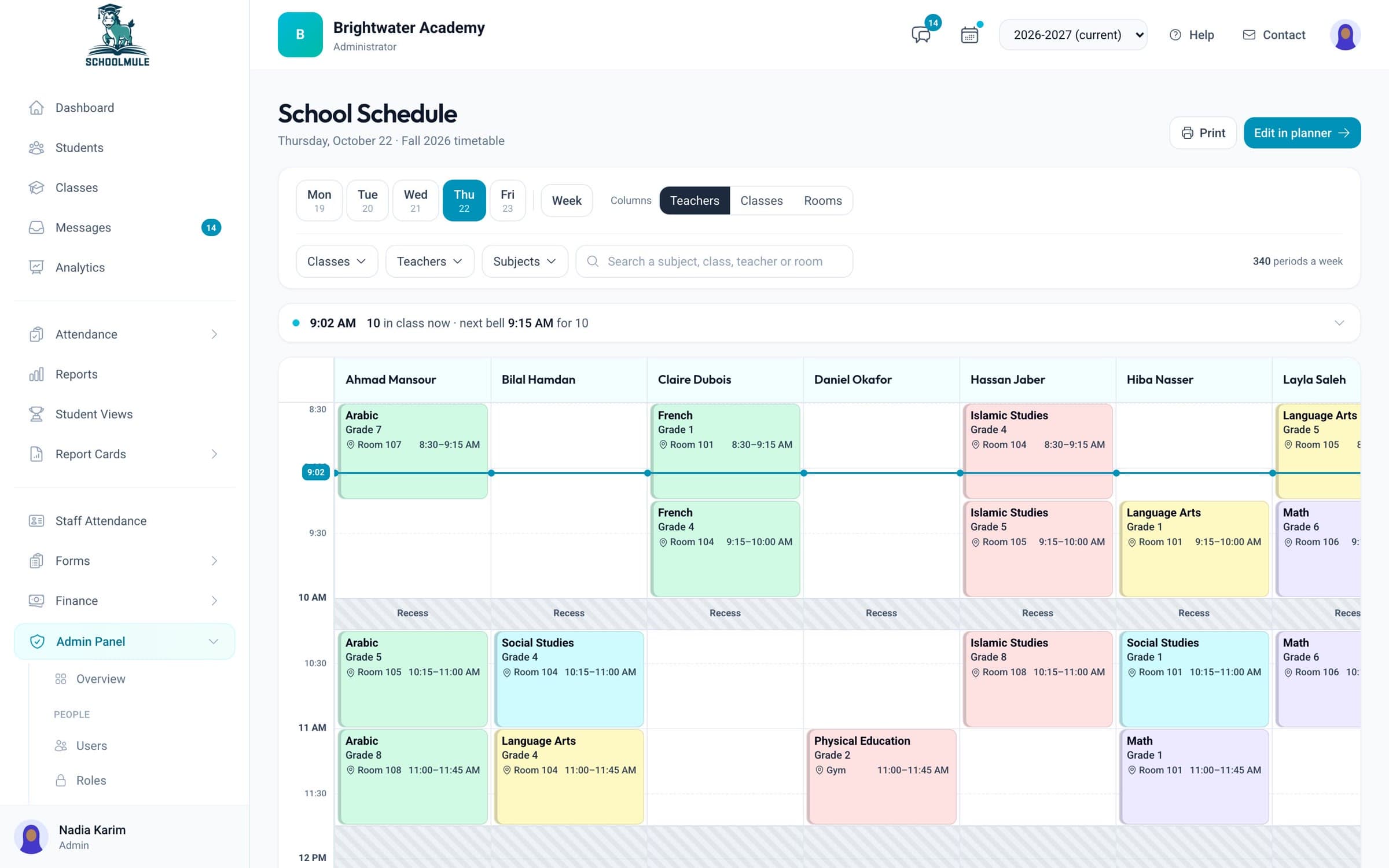
Tell the planner your teachers, rooms, courses and rules, and it builds a timetable with no clashes. Or drag classes into place yourself, with conflicts flagged.
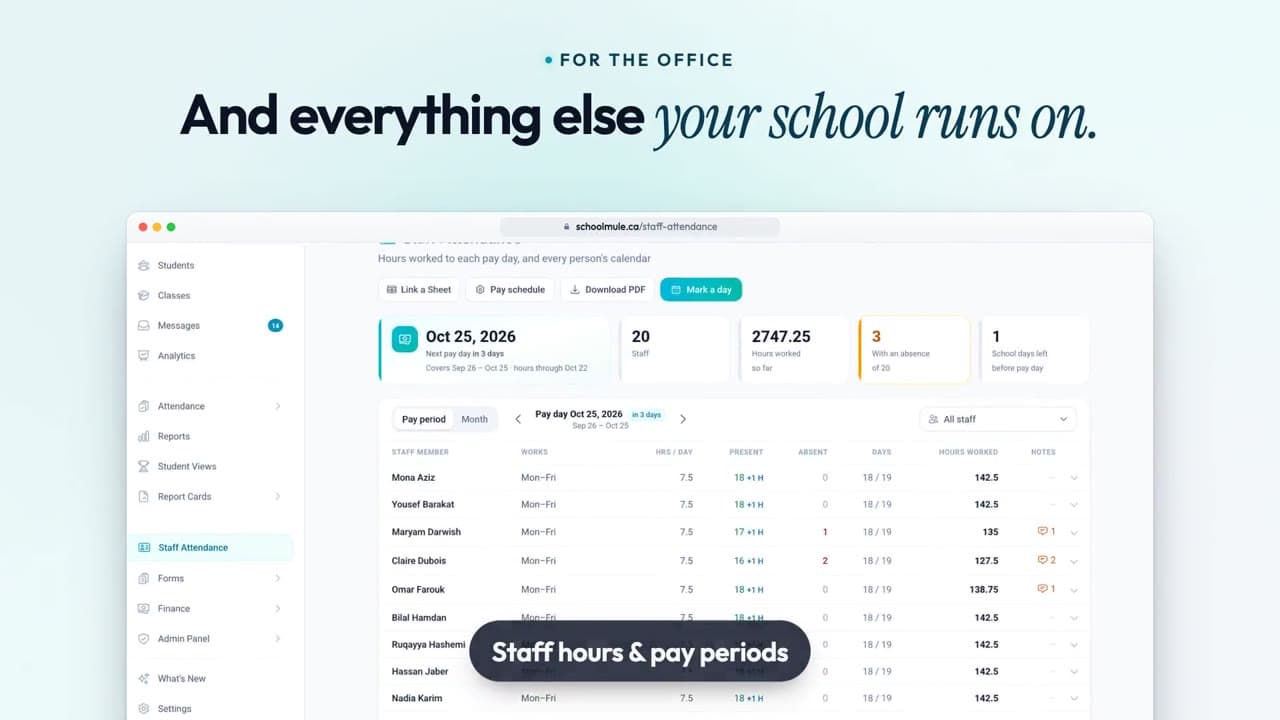
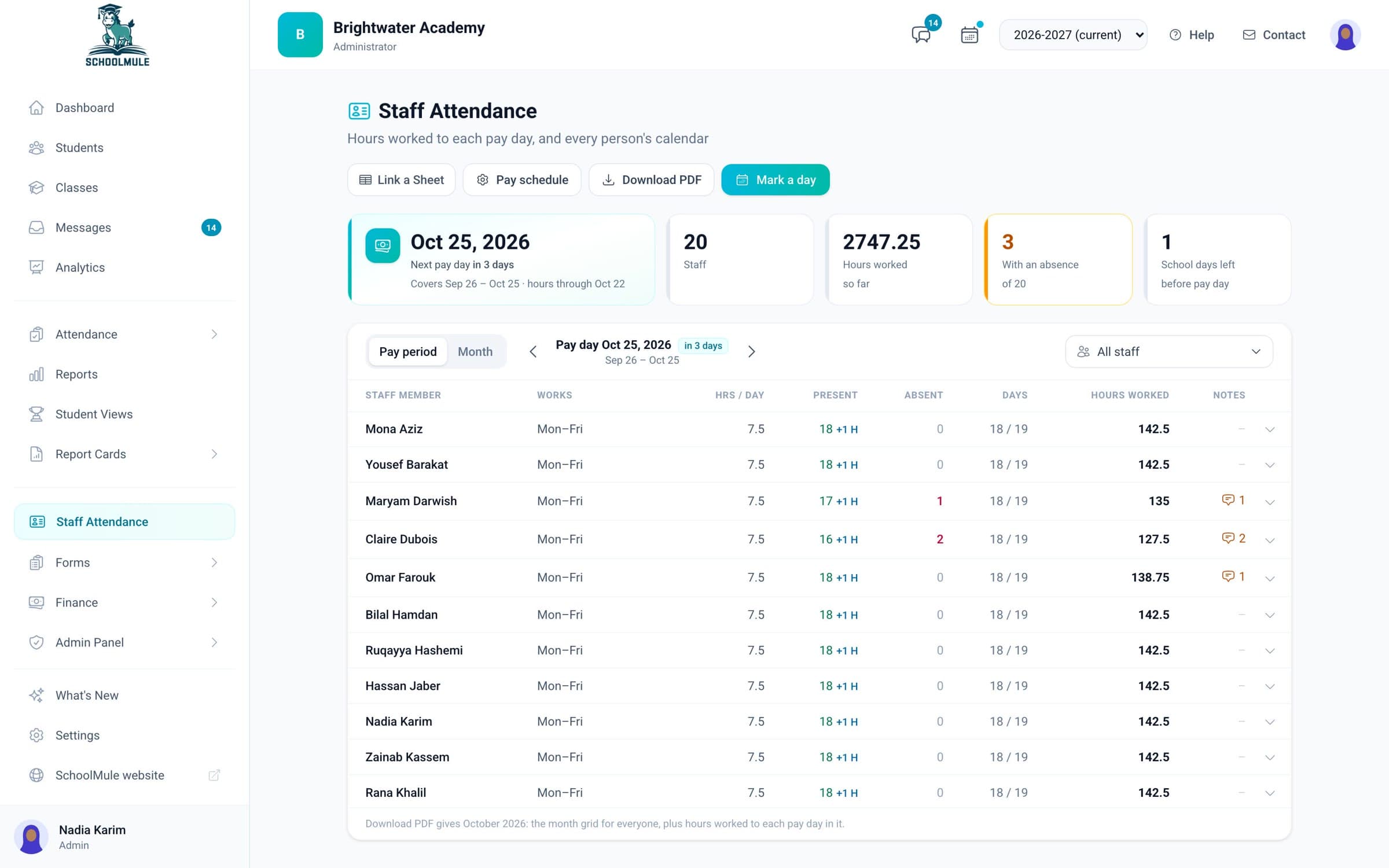
Staff check in each day. You see hours for each pay period with Ontario statutory holidays counted, and a Google Sheet of hours can stay up to date by itself.
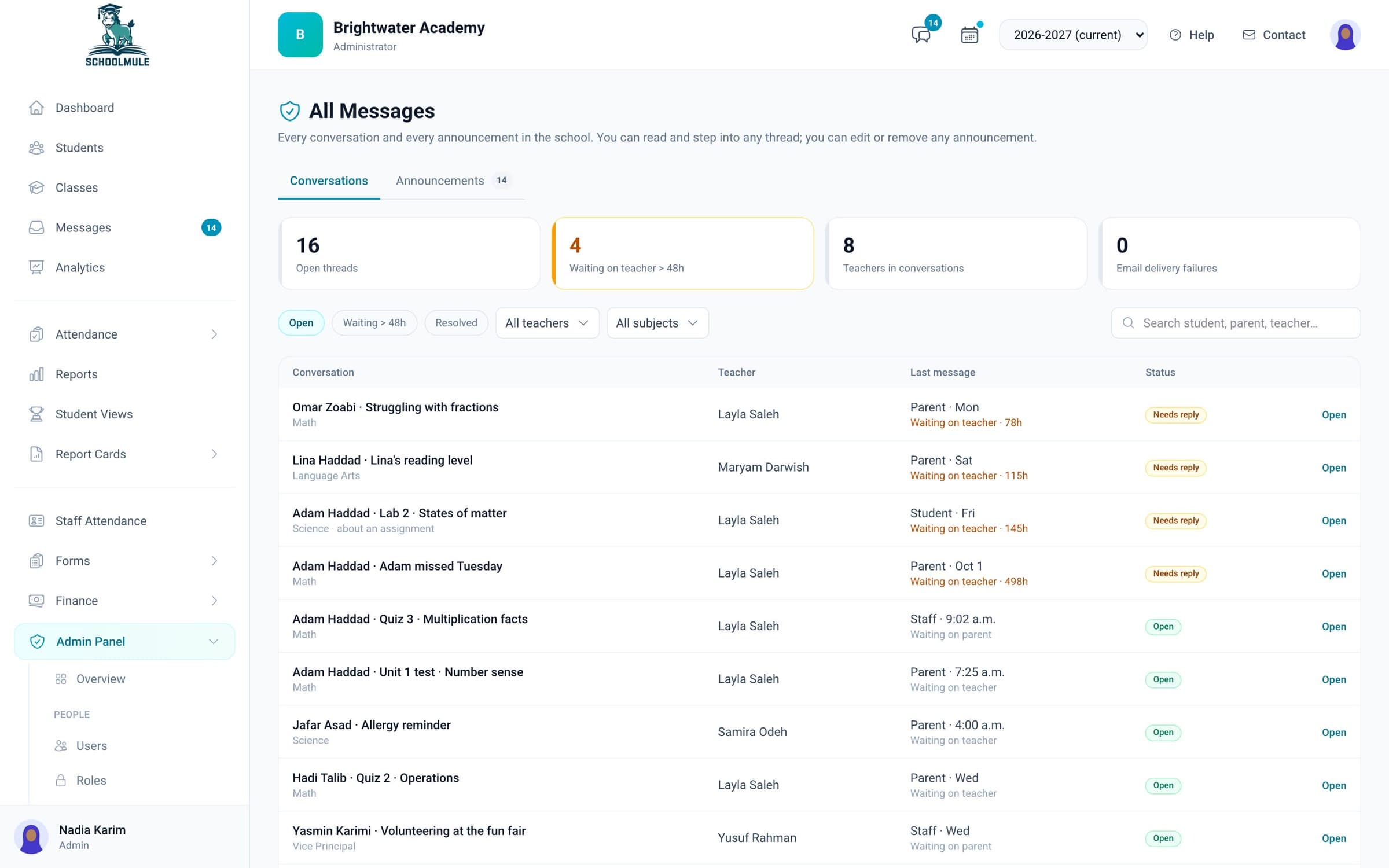
See every conversation between families and staff, and which ones still need a reply. If a parent’s message goes unanswered, SchoolMule can remind the teacher, then tell the office.
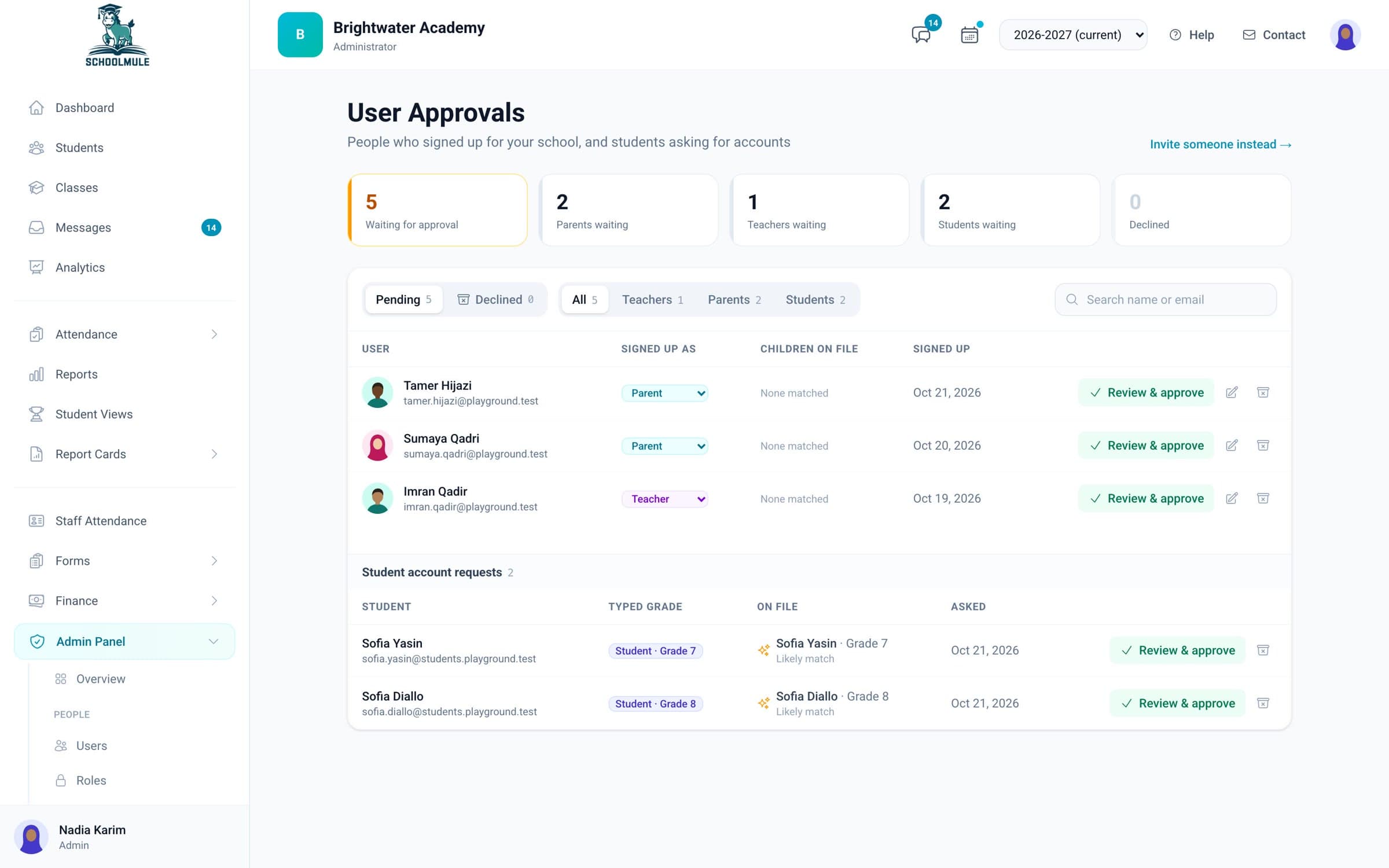
Approve families, teachers and students who ask to join. Make roles such as Office Staff from a list of permissions. Open SchoolMule as any teacher or parent sees it, read-only.
Also for the office: analytics from the whole school down to one student, with a list of students to check in on; online forms and registration that become student records; tuition read from QuickBooks Online; a school calendar families can see; and a guided start to each new school year.
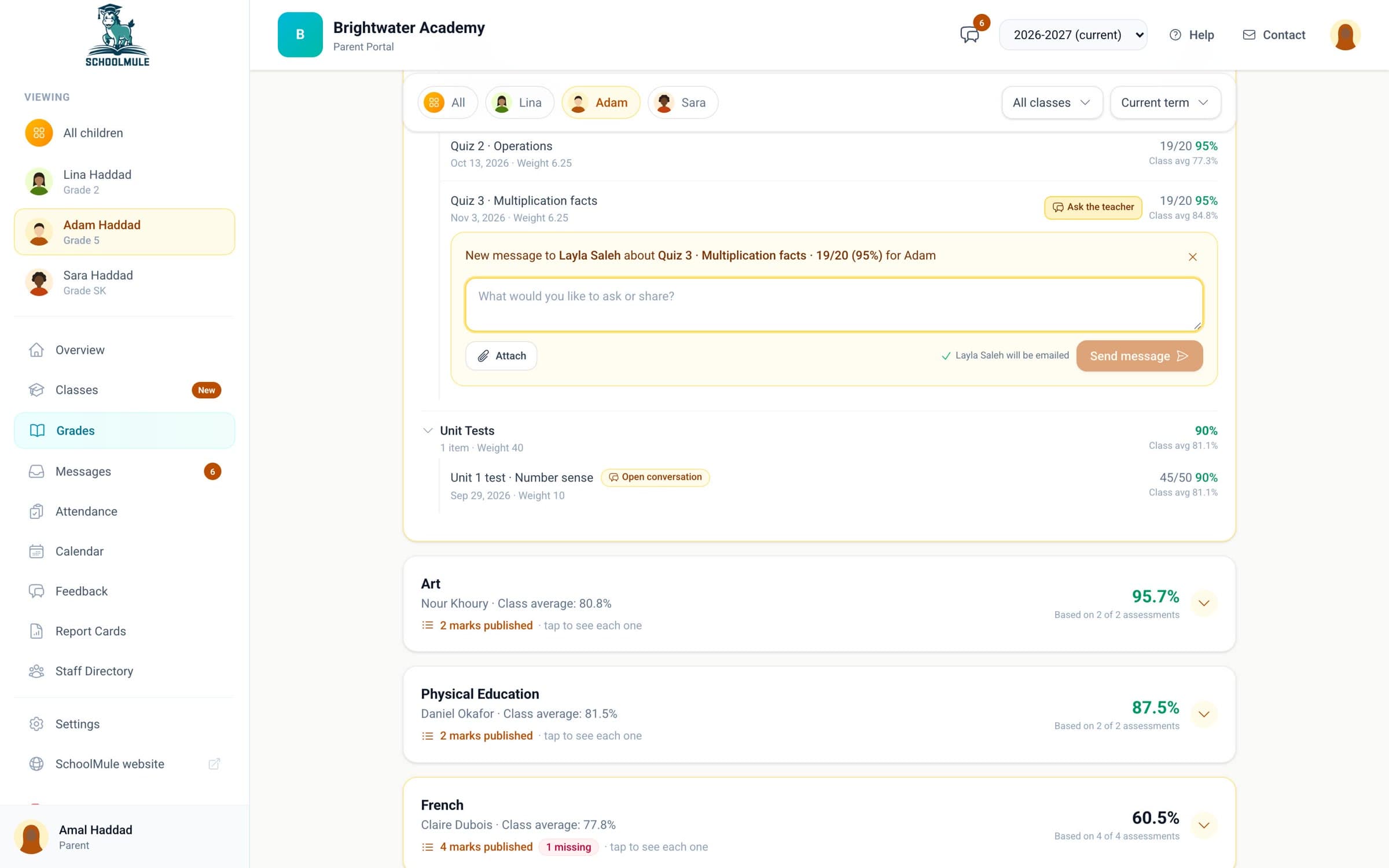
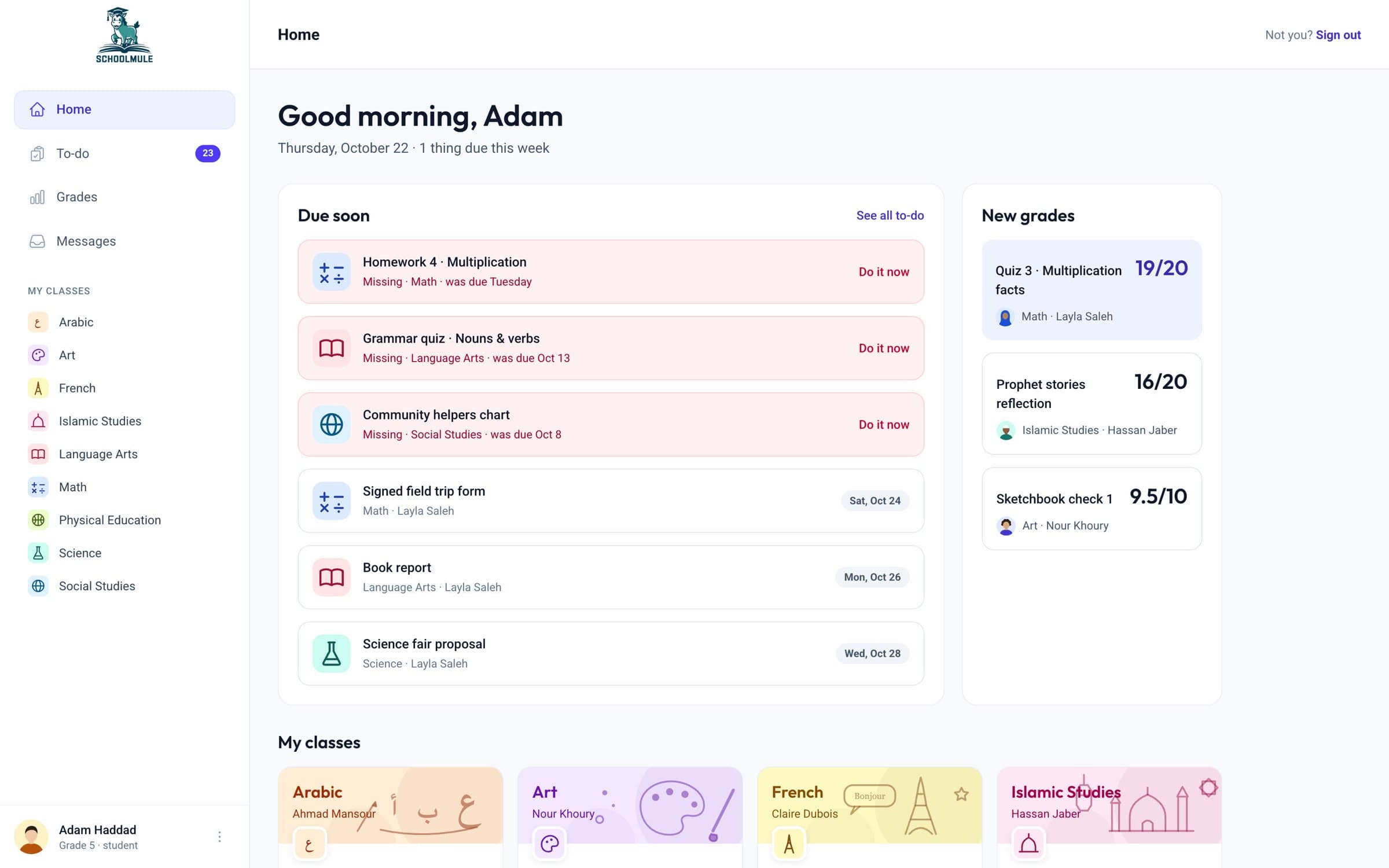
One quiz, seen by the rest of the school.
Yes. Open SchoolMule as any teacher or parent, read-only, to help them or check what they see.
Yes. Make a role, such as Office Staff, by choosing what it can see and do, and give it to the people who need it.
SchoolMule shows each family’s tuition, invoiced, paid and outstanding, read from QuickBooks Online. Invoices and payments stay in QuickBooks.
You can invite people by email, or they can ask to join on your school’s sign-up page and you approve them.

A 15-minute call with Hussein, who builds SchoolMule. Bring how your school runs today.
Book a demo